

Listing Kit
Build it with your agent
Your agent sets up Runway Dev, asks what to change, then builds your version.
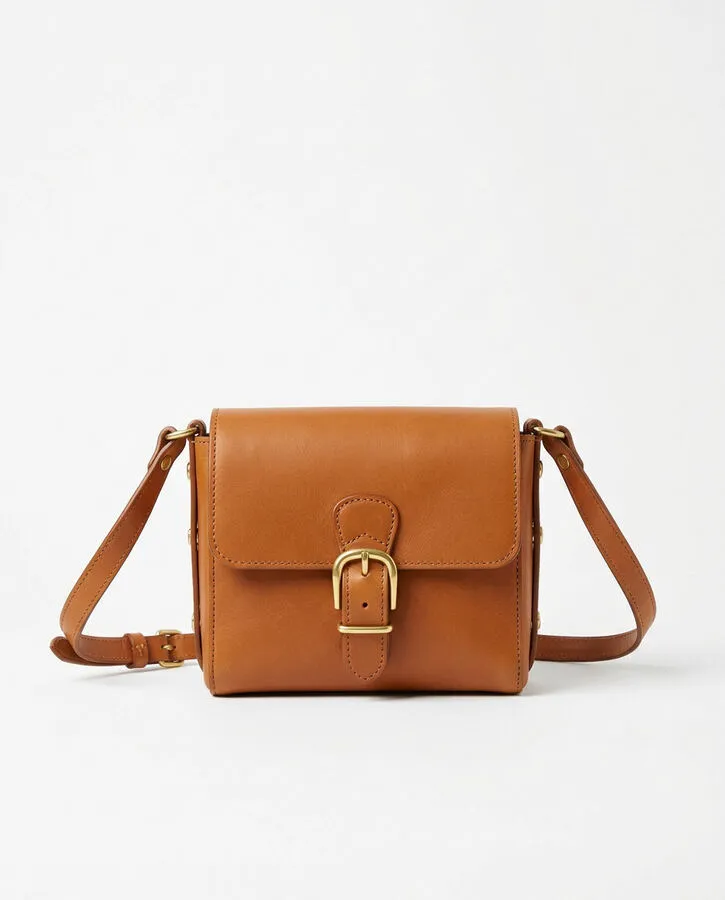
Front
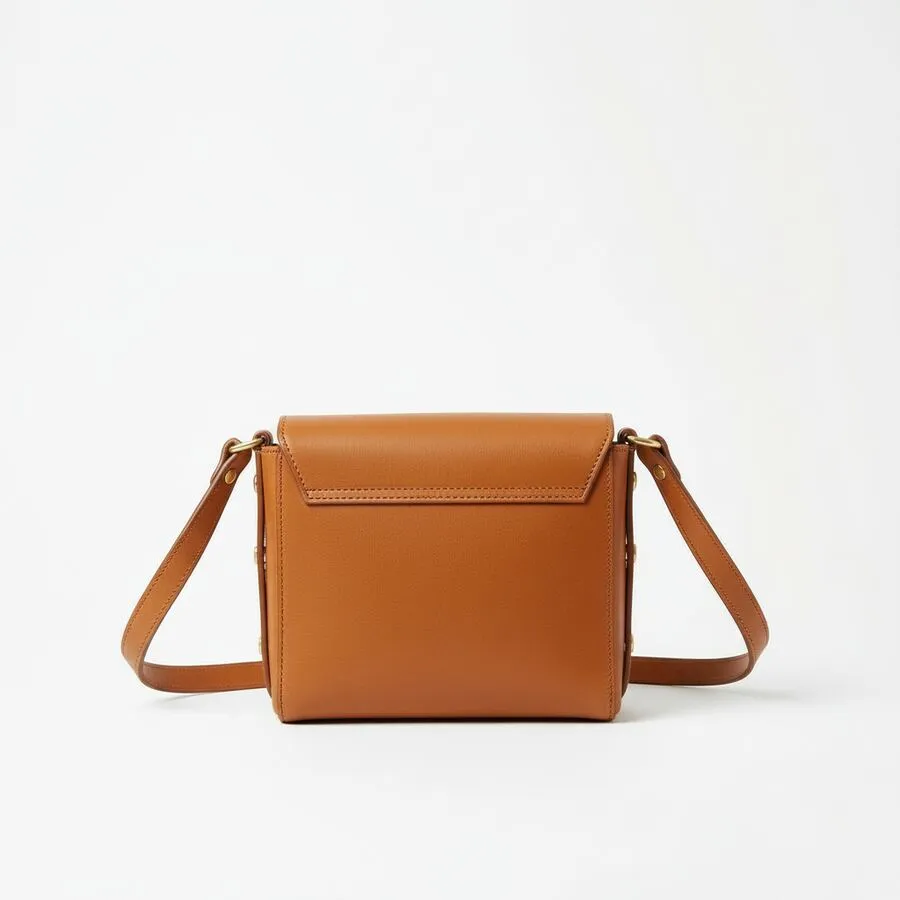
Back
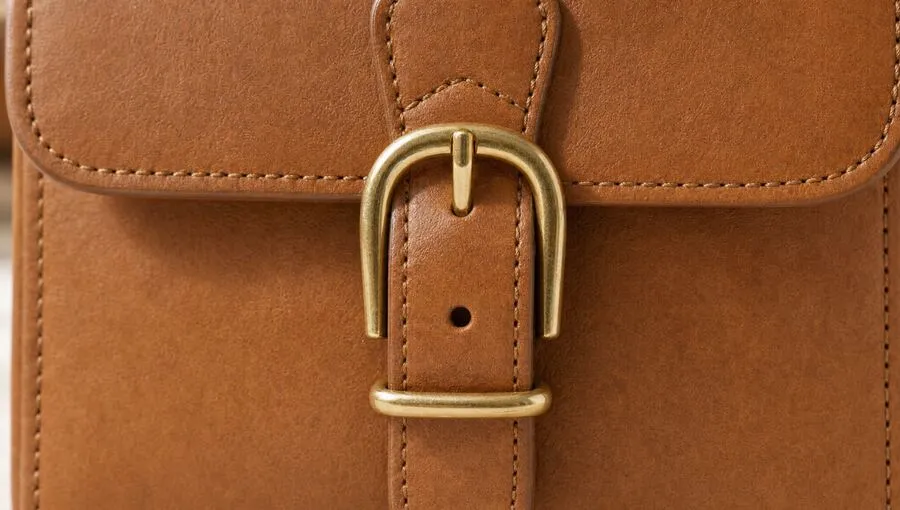
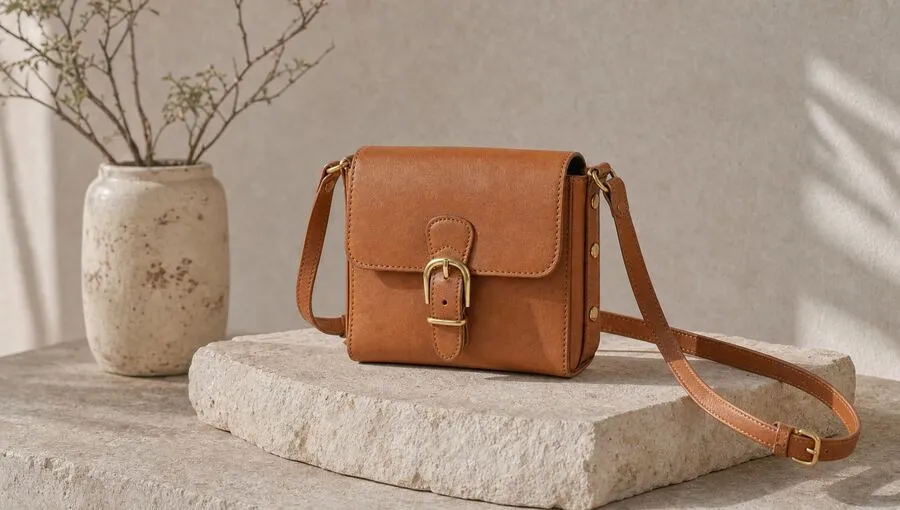
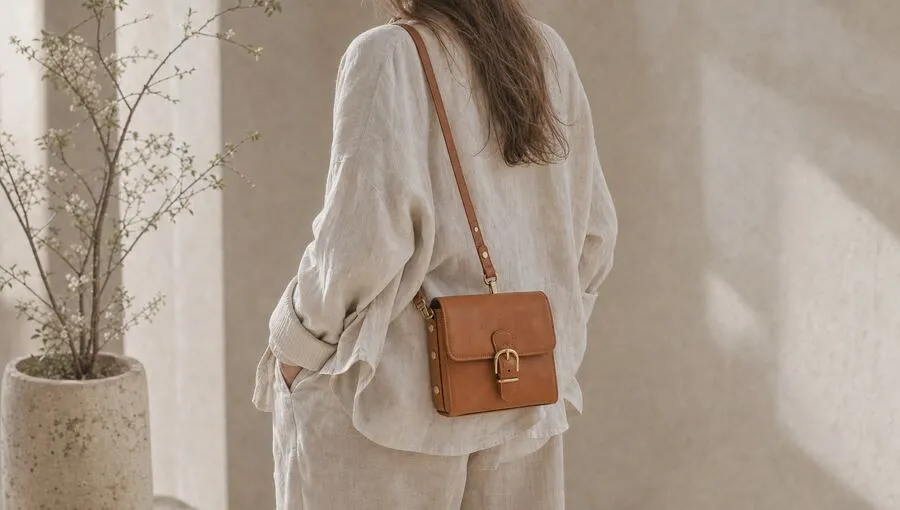
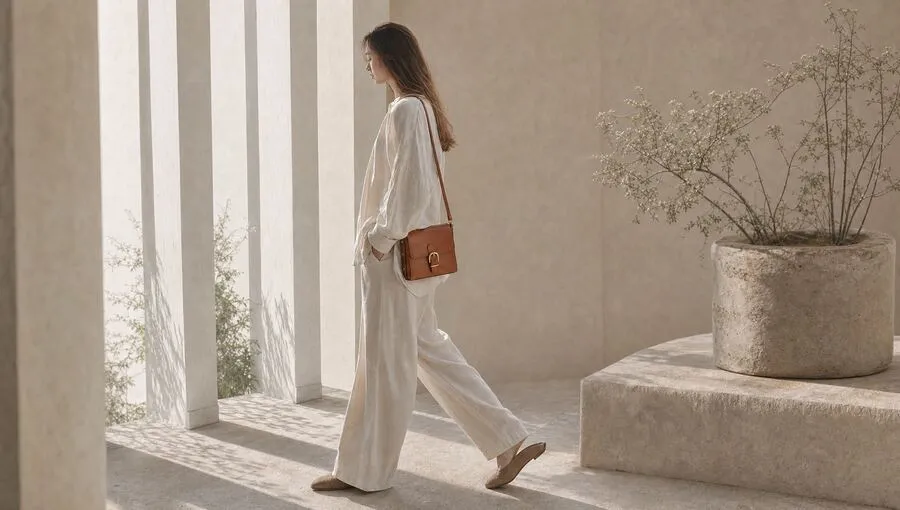
Studio photos
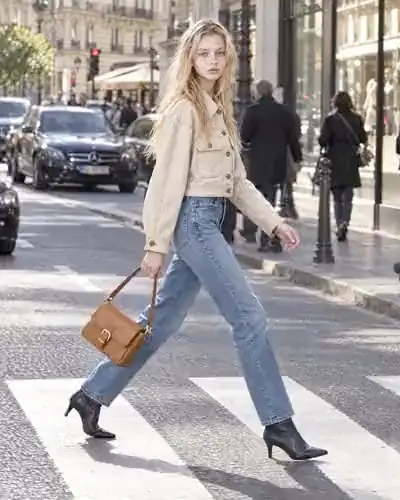
On the model
360° spin
Build it with your agent
Your agent sets up Runway Dev, asks what to change, then builds your version.
A one-page internal tool for the people who put products online. Drop in a front photo (and a back one if you have it), a name and a sentence about the brand. One button later there’s a kit folder: four studio photos, a short on-model video, a turntable spin, and a manifest saying which call made each file and what it cost.
The why behind this pipeline: How to generate product videos with an API, at scale.
What your agent will ask you
- What do you sell? Apparel gets an on-model video, hard goods an in-use one.
- Which outputs? Default: studio photos, on-model video, 360° spin.
- One sentence about your brand’s look.
- Credit ceiling per kit? Default 400 (about $4).
- Where should finished kits go? Default: a folder per kit.
How it works
| Step | Runway call |
|---|---|
| Studio photos | recipes · product_campaign_image |
| On the model | recipes · product_ad @2026-07 |
| 360° spin | generate/video · your Model Router |
| Kit folder + manifest | local |
The prompt
Build me a Listing Kit app with Runway Dev. It turns one product photo into studio photos, an on-model video and a 360° spin, and shows the price before it runs.

1. Set up Runway Dev first: read https://dev.runwayml.com/quickstart.txt and follow it.
2. Then build the app from https://dev.runwayml.com/learn/listing-kit.md. Ask me the questions it lists before writing any code.
The build spec
The prompt points your agent at this file. It defers to the live docs for field names, models and prices.
listing-kit.md
Listing Kit — build spec
One product photo in; studio photos, an on-model video and a 360° spin out. The price is shown before anything runs.
Before you start
- Set up Runway Dev by following https://dev.runwayml.com/quickstart.txt. Install the
runway-dev,runway-dev-recipesandrunway-dev-model-routersskills. - Read https://docs.dev.runwayml.com/llms.txt. Take field names, recipe versions and prices from the live docs, not from this file.
Ask the user first
- What do you sell? Apparel and accessories get an on-model video; hard goods get an in-use video.
- Which outputs? Default: studio photos, on-model video, 360° spin.
- One sentence about the brand’s look (“heritage workwear, natural daylight, nothing glossy”).
- Credit ceiling per kit. Default 400.
- Where finished kits go. Default:
kits/<id>/on disk. - Stack. Default: Next.js, one page.
What to build
One page. Left: front photo (required), back photo (optional), product name, one-line description, brand look, a Make the listing kit button with the quote beside it. Right: three cards — Studio photos, On the model, 360° spin — that fill in as each step finishes.
Pipeline
| Step | Runway call | Est. credits |
|---|---|---|
| Studio photos | Recipe product_campaign_image (4 images) |
144 |
| On the model | Recipe product_ad, version pinned |
200 (4 s, 720p) |
| 360° spin | POST /v1/generate/video through a Model Router created once: optimise for cost, cap 30 credits per clip |
≤ 30 |
The three steps don’t depend on each other. Run them in parallel.
Rules
- Quote before spending. Show the total and the ceiling. Refuse server-side if the quote is over the ceiling.
- Dry-run the router first (
dryRun: trueis free). If it refuses, show the reason. Known case: no model takes a first frame plus a back reference under 30 credits at 720p; 480p works. - Write task ids to the manifest the moment they exist. A stalled task can then be checked with
GET /v1/tasks/{id}, cancelled, and re-run without losing the rest of the kit. - Show the model picked and the credits spent on each card.
- The API key stays on the server.
Done when
kits/<id>/holds 4 photos,film.mp4,spin.mp4andmanifest.jsonwith task ids, credits and timings.- Credits spent are at or under the quote.
- Running again with the same inputs makes a new kit; nothing is overwritten.
Make it yours
- Markets: run
ad_localizationon the chosen studio photo for each language. - A whole line: shoot the film once, then
product_swapit for every SKU. - A human pick: show the four photos, let a merchandiser choose, continue from the choice.
Start building on Runway Dev
Related articles
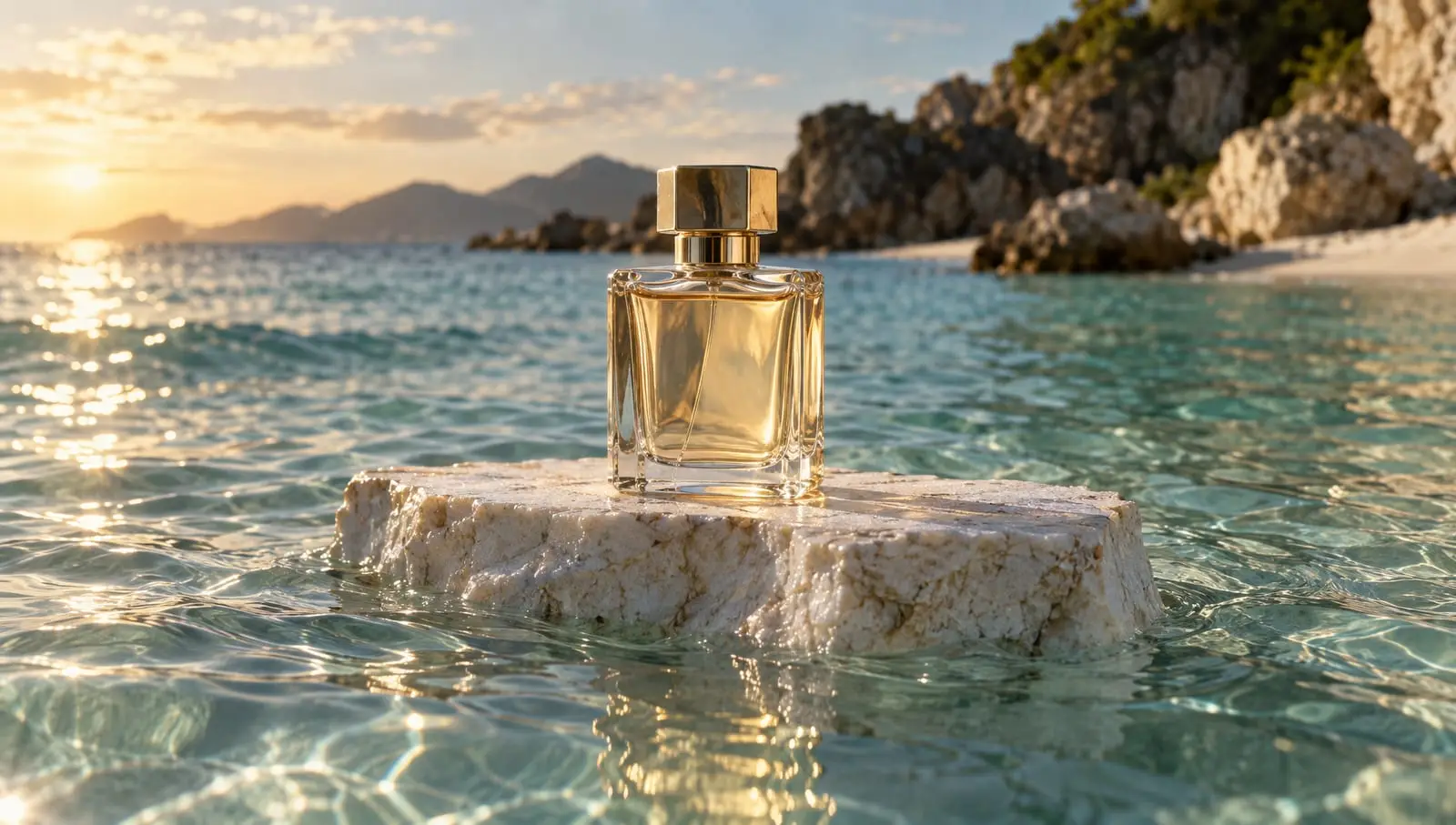 Use cases
How to generate product videos with an API, at scale
How to build an API pipeline that turns product photos into finished video ads, which model to use at each step, and what a product video costs.
 Tutorials
Choosing the right model for your use case
Why video and image models are not interchangeable, and how to set up a Model Router that picks the best model for every request.
 Apps
AppsTake a garment from sketch to an on-location shoot
Takes a garment from sketch to fabric render, colorways, product shots, a cast model and an on-location shoot, in stills and motion.